Shijiazhuang Topstar
International Trading Co., Ltd.


Get In Touch
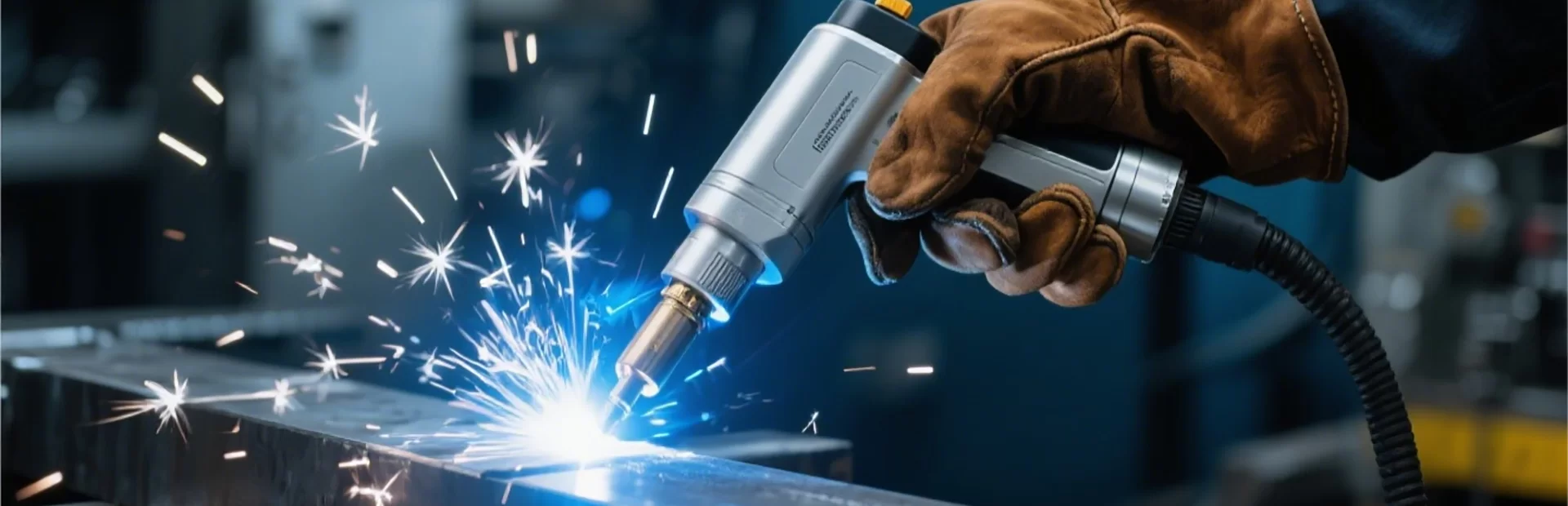
The world of laser cutting is constantly evolving, offering incredible precision and versatility for a wide range of applications. A comprehensive laser cutting design catalogue is essential for exploring the boundaries of what's possible. At Topstar Laser, we provide cutting-edge laser solutions, and understanding the possibilities is the first step toward innovation. This article will delve into what makes a valuable laser cutting design catalogue, the types of designs you can find, and how Topstar Laser can help bring your vision to life. Whether you're a seasoned professional or new to laser cutting, this guide will provide valuable insights.
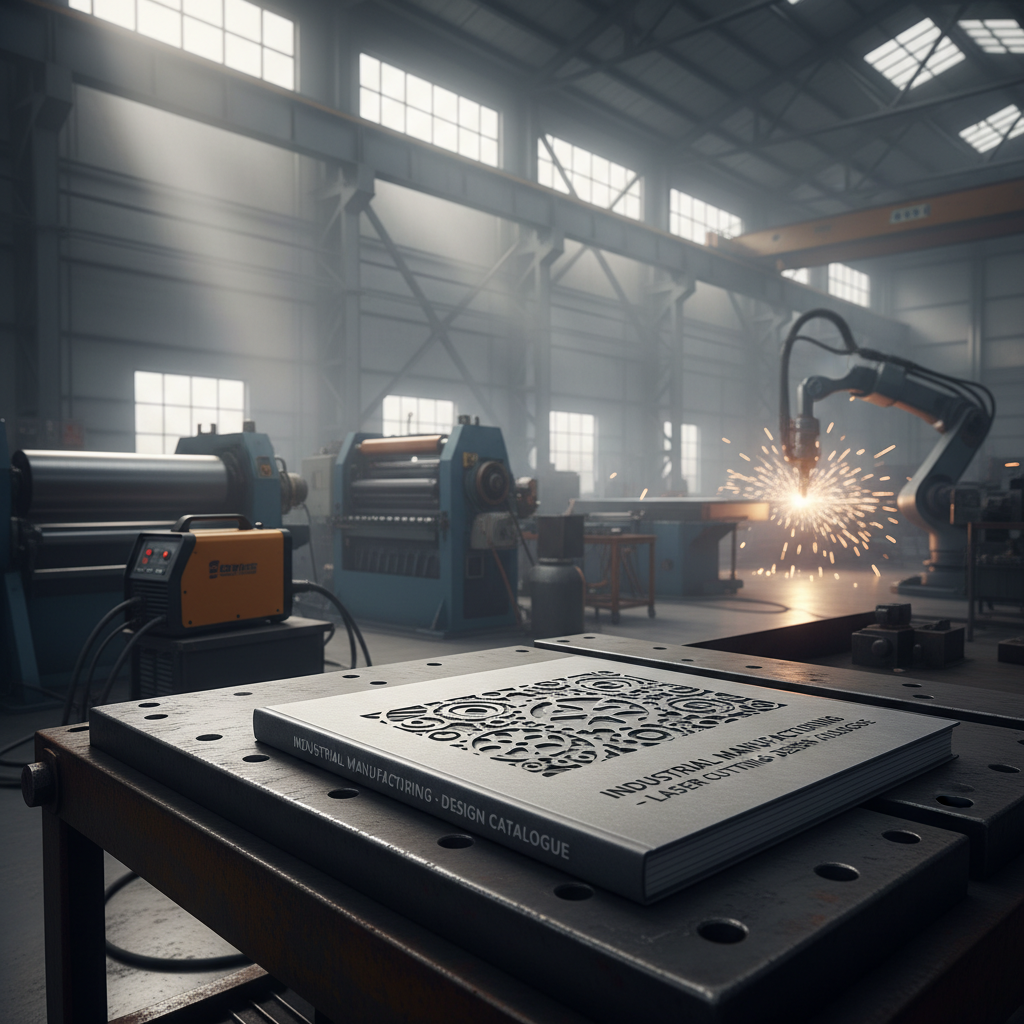
A well-curated laser cutting design catalogue should offer more than just a collection of images. It should provide detailed information about each design, including the materials it's suitable for, recommended laser settings, and potential applications. Look for catalogues that categorize designs by industry, material, or complexity level. High-quality catalogues will also showcase the precision and detail achievable with laser cutting, inspiring you to explore creative possibilities. A great catalogue also includes vector files for easy import into laser cutting software, like those supported by Topstar Laser machines.
Key Considerations: Detailed specifications, material compatibility, and readily available vector files are crucial for a practical and inspiring design catalogue.
Laser cutting design catalogues encompass a vast spectrum of possibilities. Common categories include: Architectural models, intricate signage, custom jewelry, industrial components, decorative artwork, and personalized gifts. Within these categories, you’ll find varying levels of complexity – from simple geometric patterns to highly detailed and ornate designs. The best catalogues will offer a mix of readily available designs and inspirational concepts to spark your own creativity. Topstar Laser provides designs and resources suitable for a wide array of projects.
Design Category Examples:
• Architectural Models & Prototypes
• Custom Signage & Displays
• Intricate Jewelry Designs
• Decorative Wall Art & Panels
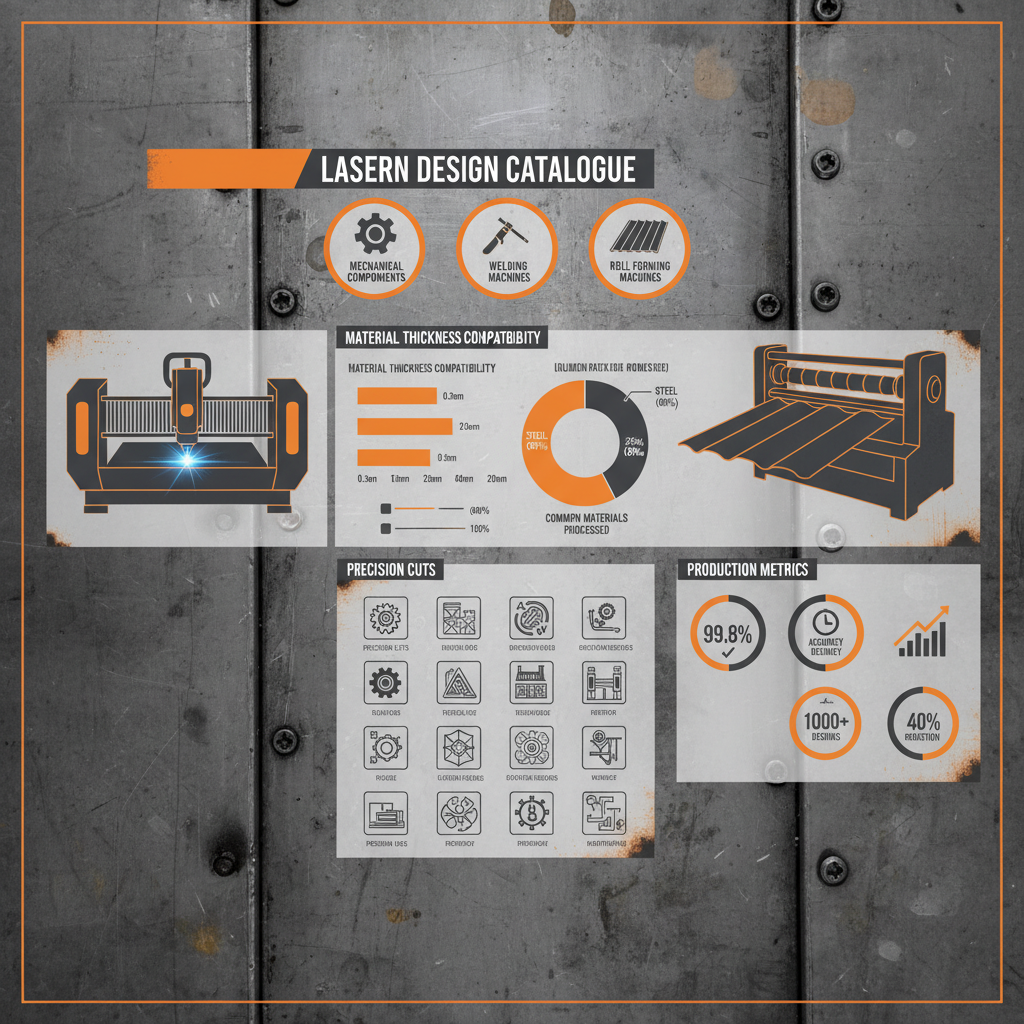
Understanding which materials are compatible with laser cutting is vital. Here's a chart outlining common materials and their suitability:
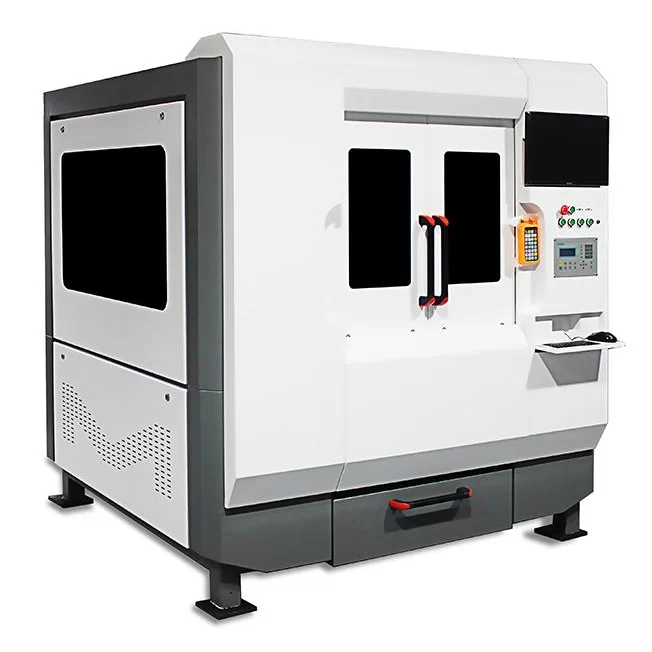
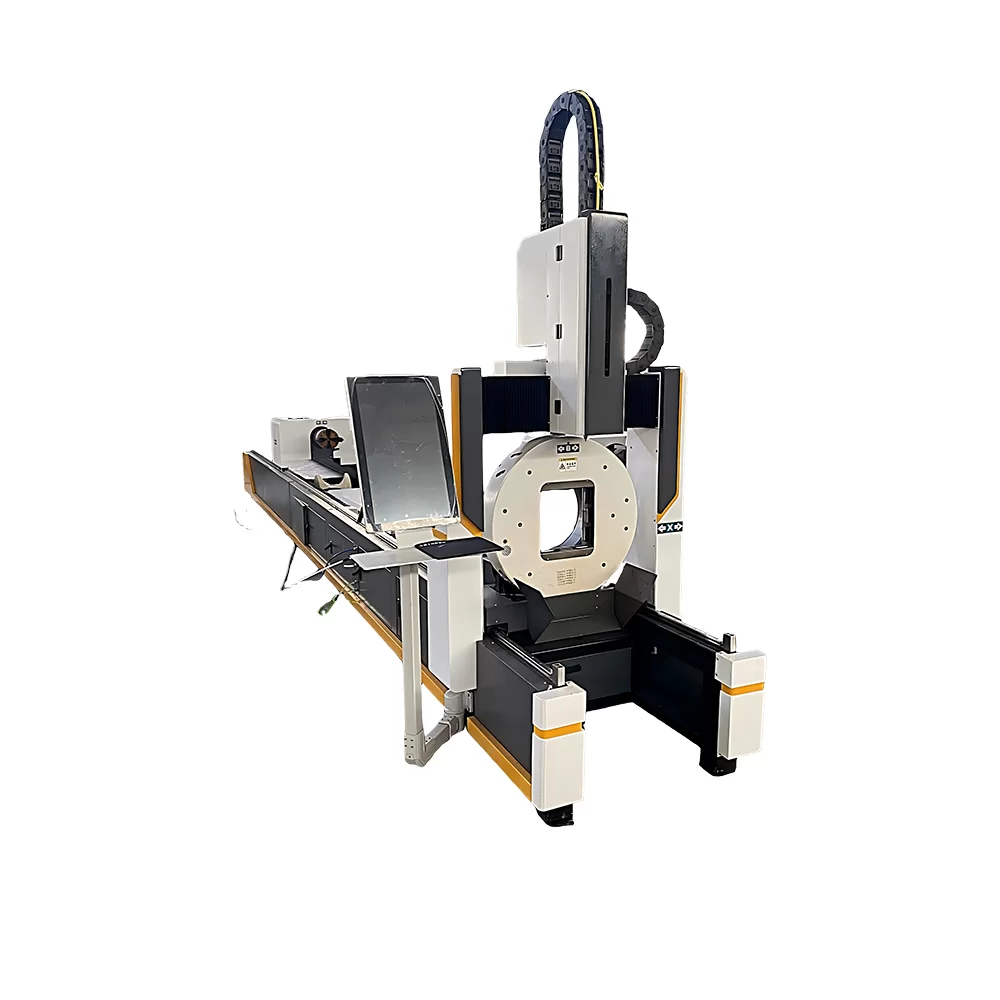
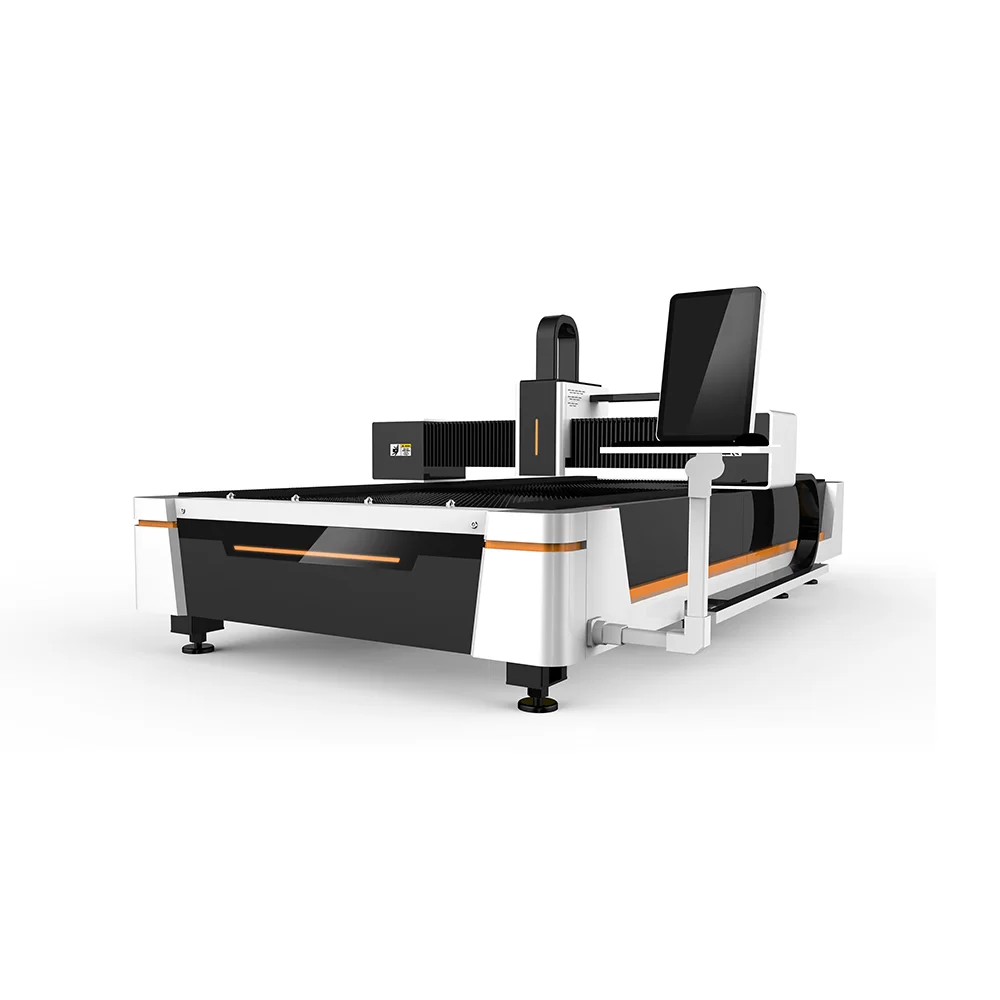
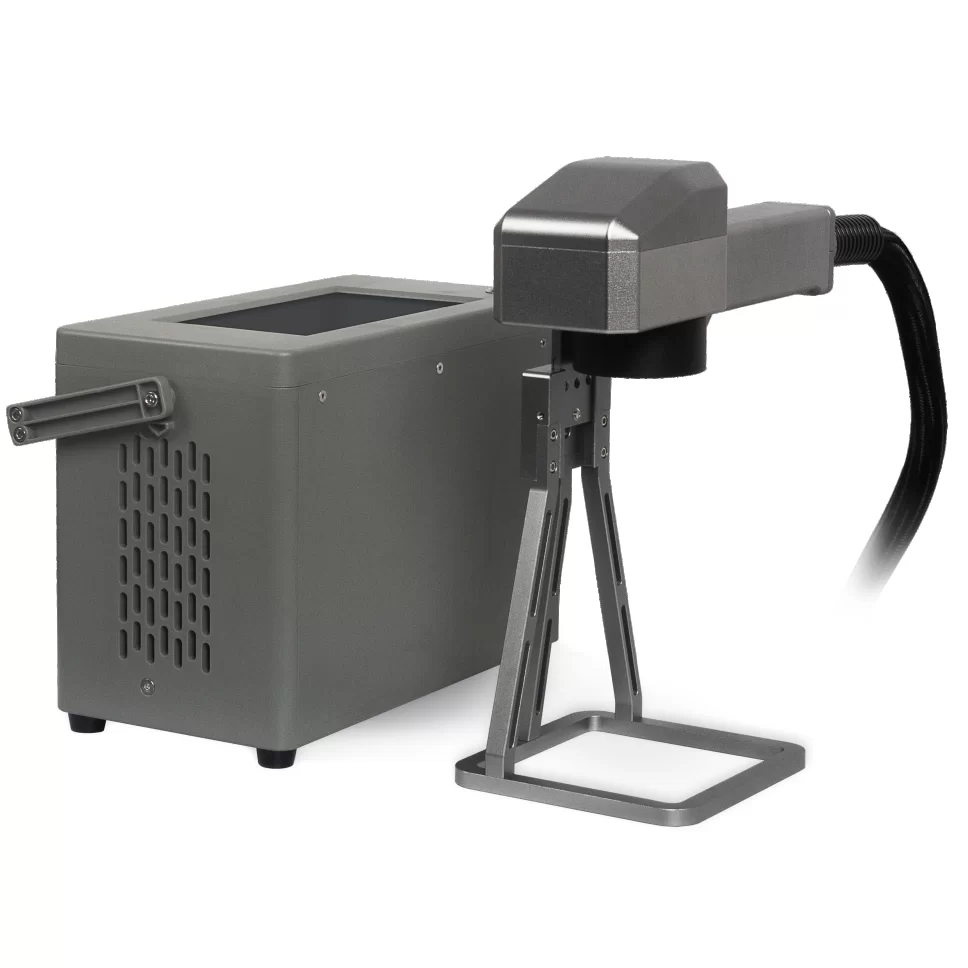
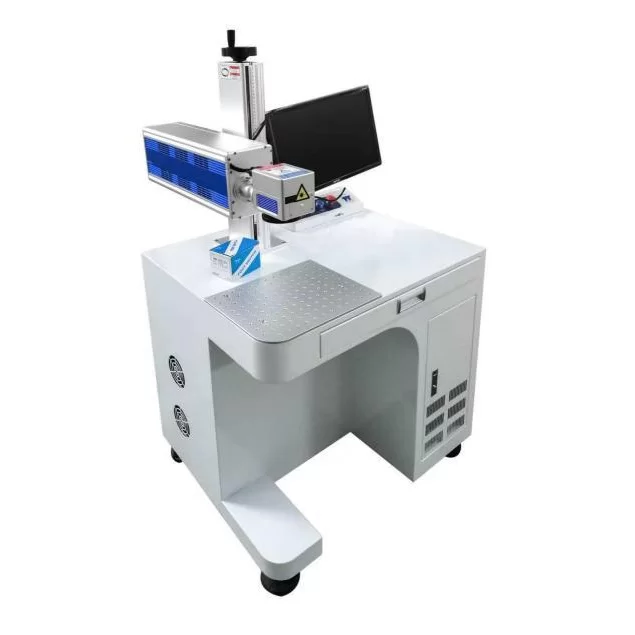
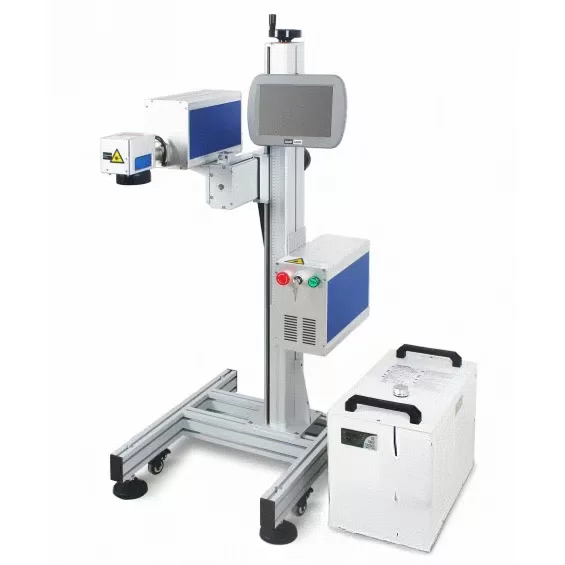
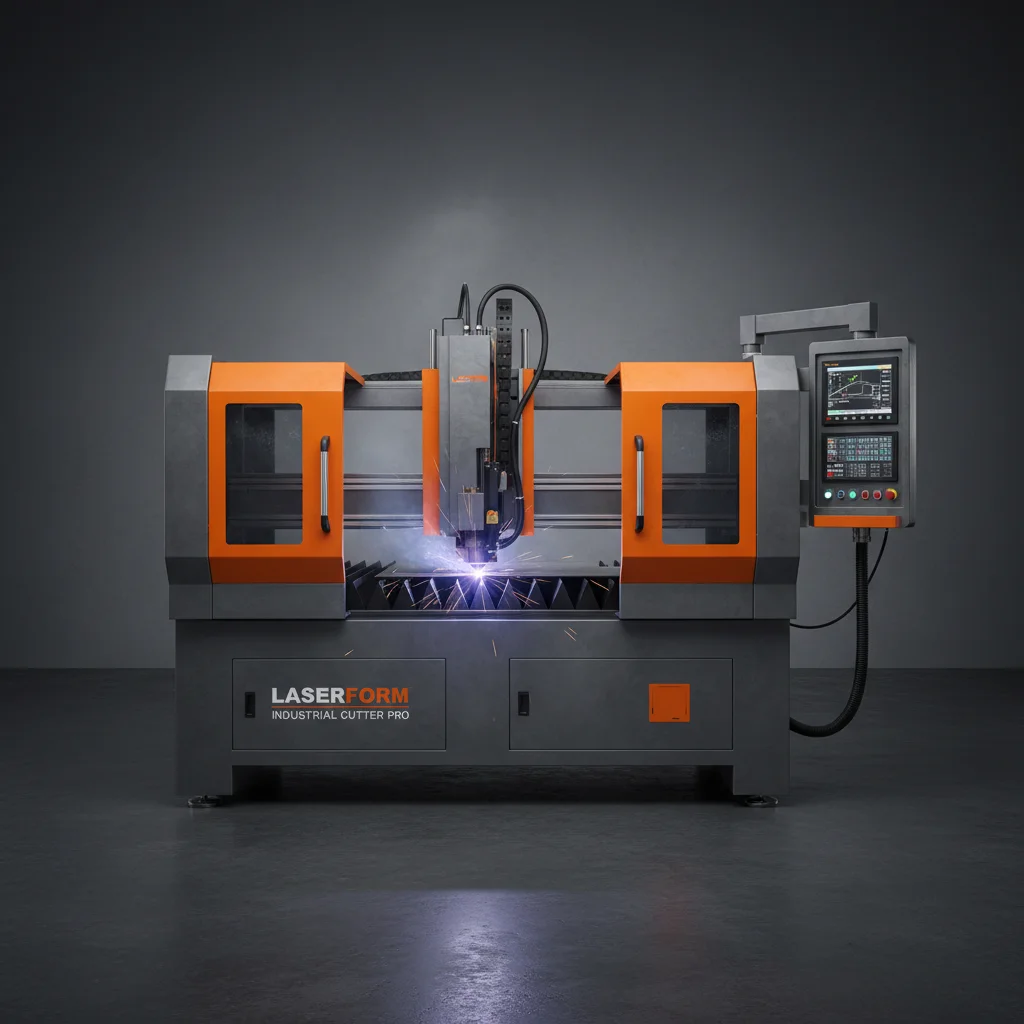
The complexity of your desired designs directly impacts the type of laser cutting machine needed. Lower-power lasers are sufficient for cutting and engraving softer materials like acrylic and wood. However, cutting metal and thicker materials requires a high-power laser system. Topstar Laser offers a range of laser cutting machines tailored to different applications and budgets, ensuring you have the right tool for the job. Consider factors like bed size, laser power, and software compatibility when making your decision.
At Topstar Laser, we go beyond simply providing machines. We offer comprehensive support, including design assistance, training, and ongoing technical support. Our team of experts can help you optimize your designs for laser cutting, select the right materials, and troubleshoot any challenges you may encounter. We are committed to helping you succeed with your laser cutting projects.
A robust laser cutting design catalogue is your gateway to a world of creative possibilities. By understanding the materials, designs, and machines available, you can bring your visions to life with precision and efficiency. Topstar Laser is your trusted partner in unlocking this potential.
There are several websites offering free laser cutting designs, such as Thingiverse, Instructables, and Vecteezy. However, it's important to verify the license and usage rights before using any downloaded design for commercial purposes. Topstar Laser also provides a selection of free designs with our machines, alongside access to premium design libraries.
The most common file formats for laser cutting are vector formats, specifically SVG, DXF, and AI. These formats define the lines and shapes that the laser will follow. Raster images like JPG and PNG can also be used for engraving, but they require conversion to a vector format first. Topstar Laser machines are compatible with a wide range of file formats.
Laser power and speed settings are critical for achieving clean and accurate cuts. Higher power and slower speed are typically used for thicker materials, while lower power and faster speed are suitable for thinner materials. Incorrect settings can result in burning, incomplete cuts, or damage to the material. Topstar Laser provides software and resources to help you optimize these settings for various materials.
Yes, laser cutting machines can also be used for engraving. By reducing the laser power and speed, the laser can remove a thin layer of the material's surface, creating a permanent mark or design. Engraving is commonly used for personalization, adding text or images to products, and creating intricate details.