Shijiazhuang Topstar
International Trading Co., Ltd.


Get In Touch

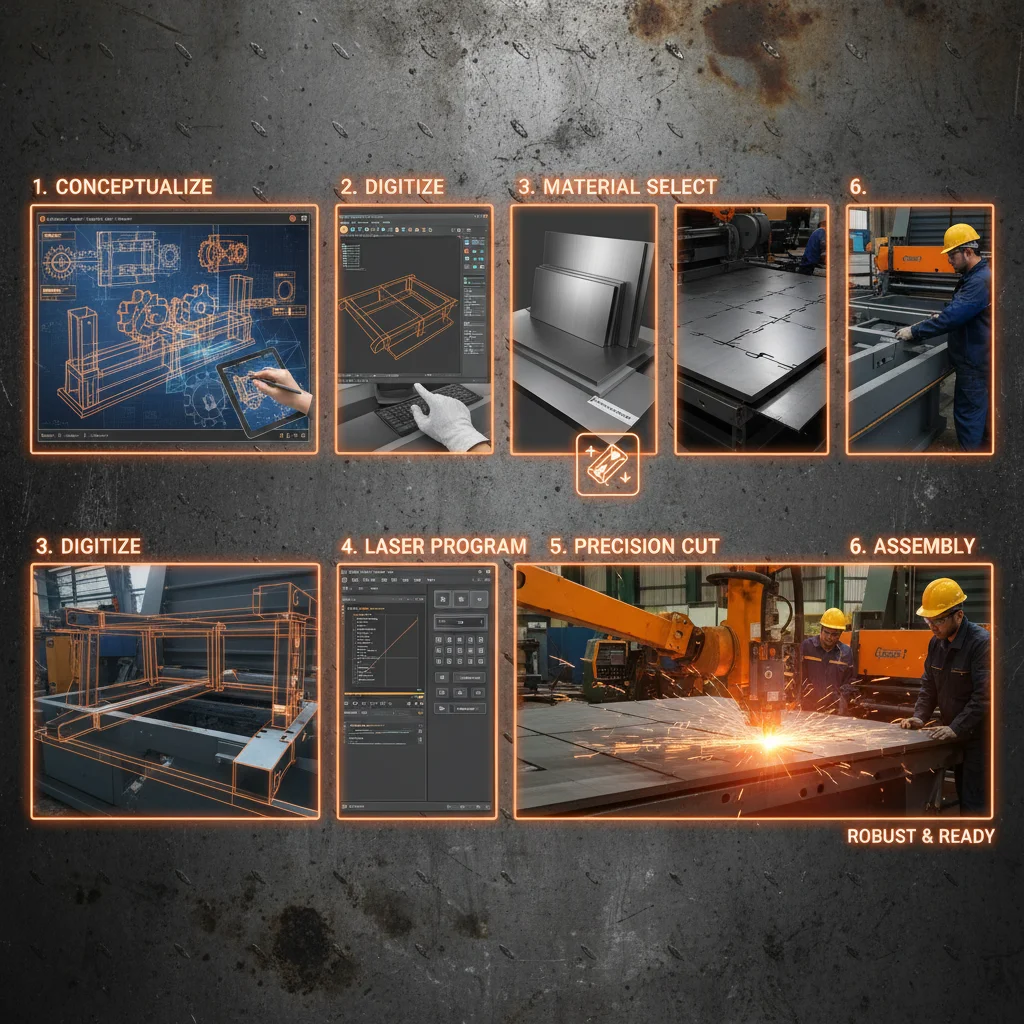
Understanding your laser cutting machine is paramount for optimal performance, safety, and longevity. A vital component of this understanding is the machine's PDF manual. This guide delves into the importance of these manuals, what information they contain, how to access them, and best practices for utilizing them. Whether you're a seasoned operator or a newcomer to laser cutting, mastering the PDF manual will significantly enhance your experience. Accessing the right resources, such as a detailed laser cutting machine pdf, is the first step to effective and safe operation.
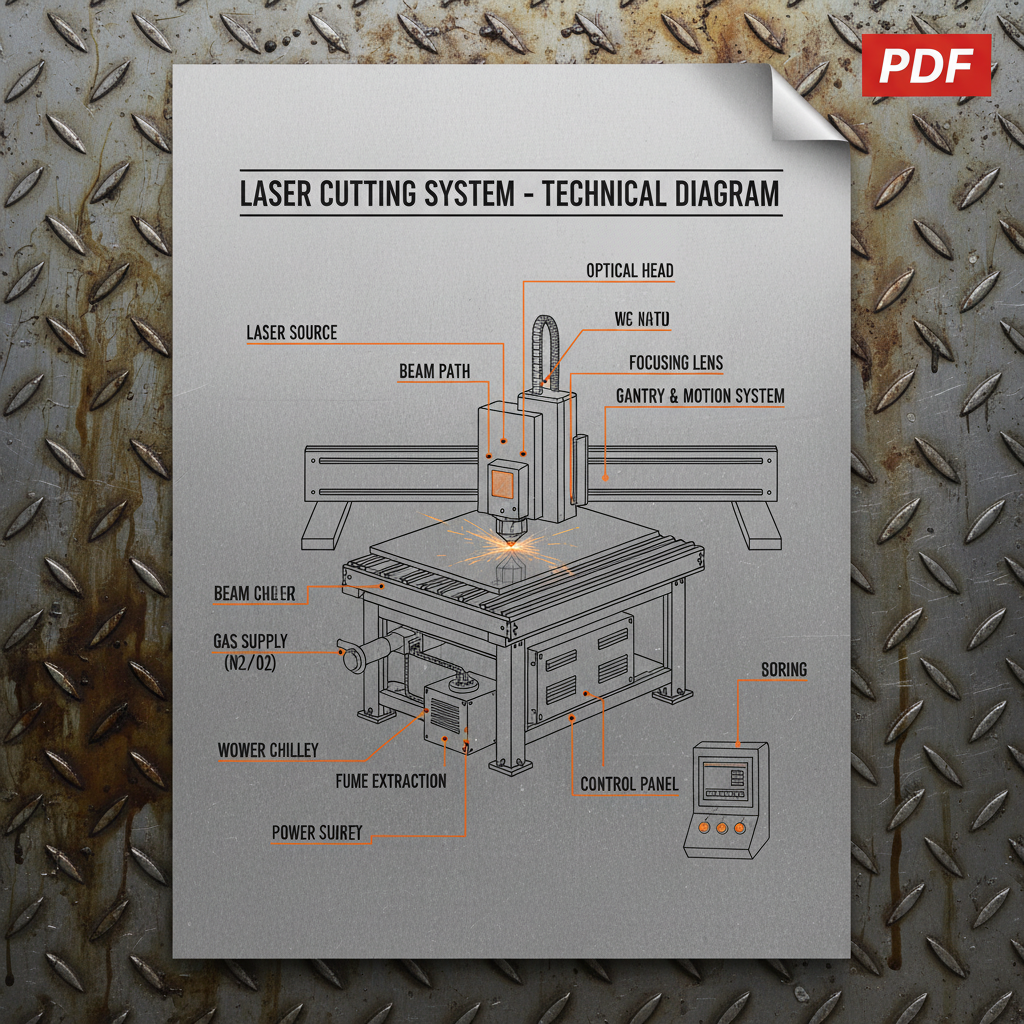
The PDF manual is more than just a set of instructions; it’s the definitive guide to your specific machine model. It encompasses everything from initial setup and operation to troubleshooting and maintenance. Ignoring the manual can lead to improper use, reduced efficiency, potential damage to the machine, and even safety hazards. A thorough understanding of the manual ensures you're utilizing the machine's full capabilities while adhering to safety protocols. The Topstar Laser team emphasizes the importance of consulting the manual for all operational questions.
Key Benefits: Ensures safe operation, maximizes machine performance, facilitates efficient troubleshooting, and prolongs the machine's lifespan.
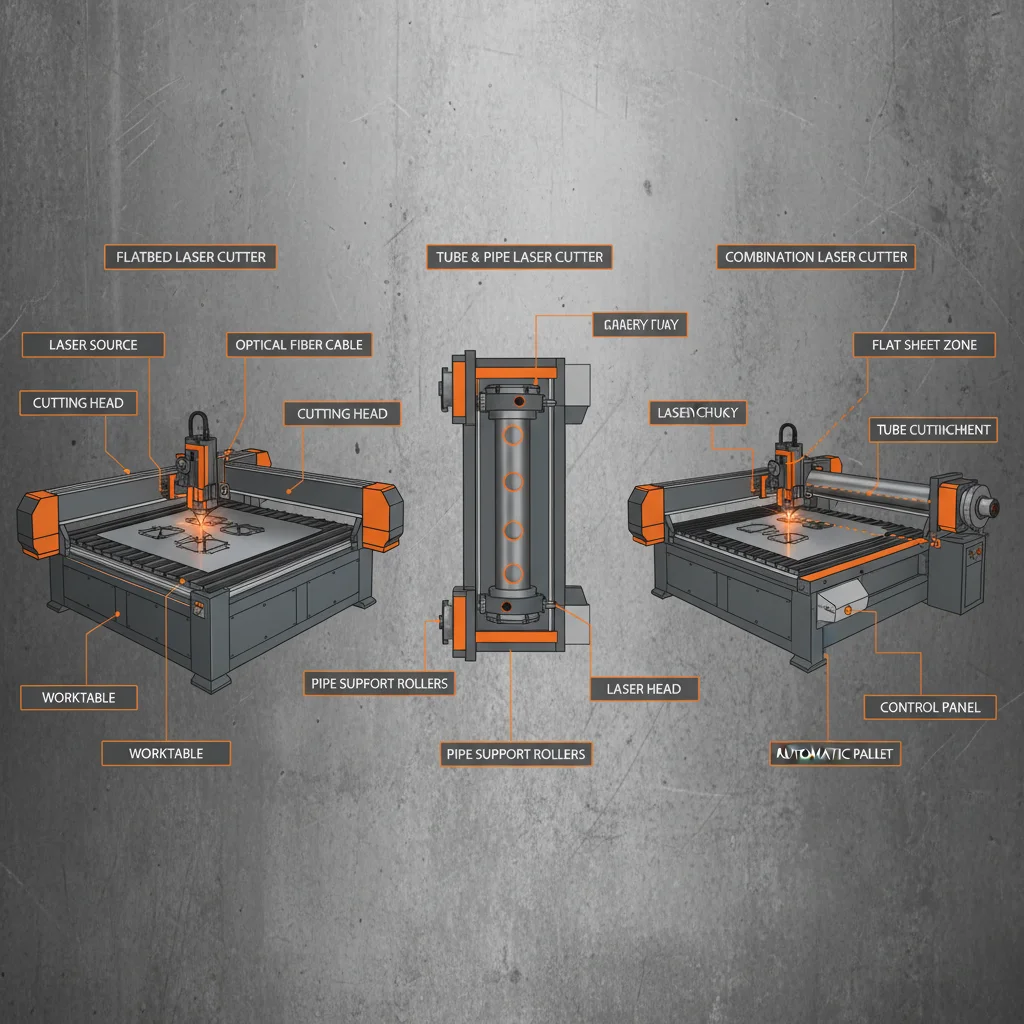
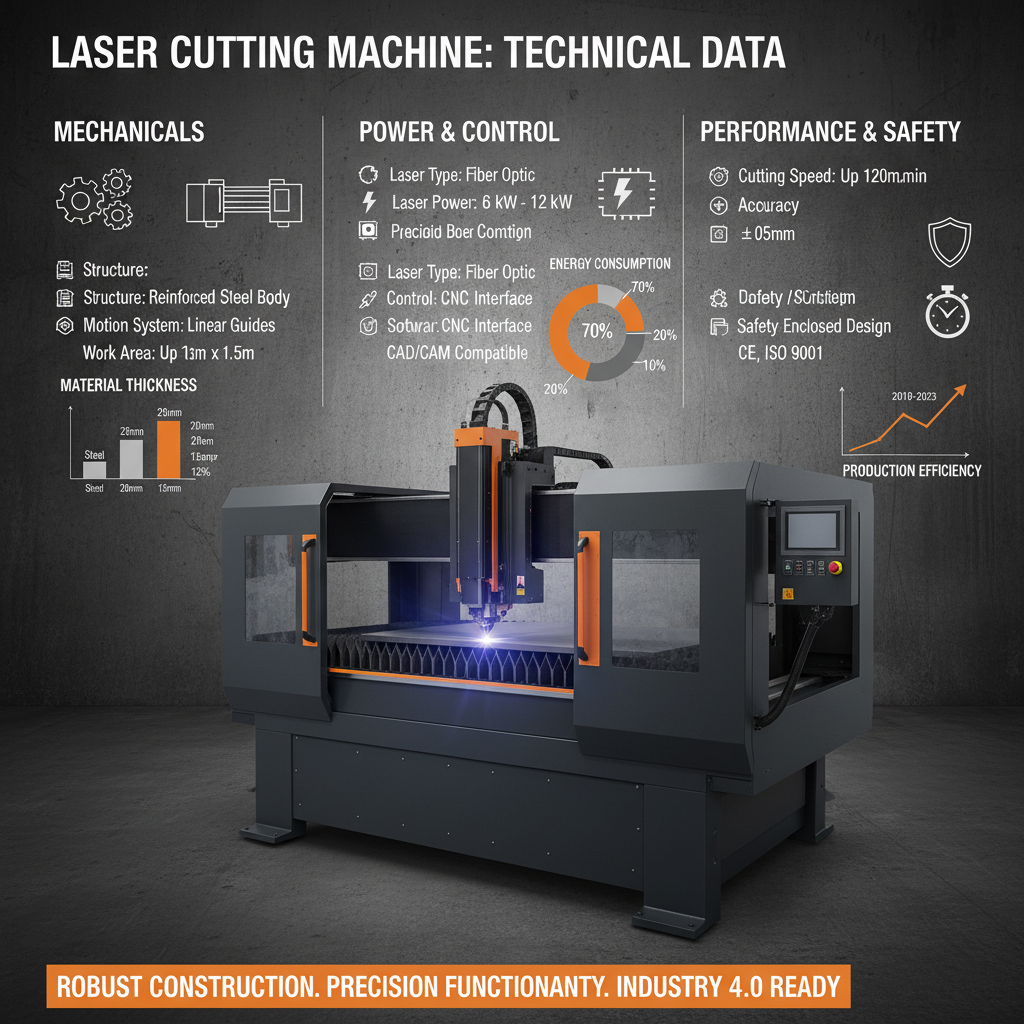
A comprehensive laser cutting machine pdf manual typically includes the following sections: Safety Precautions: Detailed guidelines for safe operation, including laser radiation hazards and emergency procedures. Machine Overview: A description of the machine’s components and their functions. Setup and Installation: Step-by-step instructions for initial setup and installation. Operating Instructions: Detailed guidance on how to use the machine’s various features and functions. Maintenance Schedule: Recommended maintenance tasks and intervals. Troubleshooting Guide: Common issues and their solutions. Technical Specifications: Detailed specifications of the machine’s capabilities.
Key Manual Sections:
• Safety Precautions
• Machine Overview
• Operating Instructions
• Maintenance Schedule
Most manufacturers, including Topstar Laser, provide the PDF manual in several ways: Download from the Website: The manual is usually available for download directly from the manufacturer's website in the ‘Support’ or ‘Downloads’ section. Included on a USB Drive: Often, a USB drive containing the PDF manual is included with the machine. Email Delivery: Some manufacturers may email the manual upon request or after purchase. If you’ve lost your manual, contacting the manufacturer’s customer support is the best course of action.
To get the most out of your machine’s manual: Bookmark Important Sections: Use the PDF reader’s bookmarking feature to quickly access frequently used sections. Utilize the Search Function: Search for specific keywords to quickly find information. Keep it Accessible: Store the PDF manual in a readily accessible location on your computer or network. Regularly Review Updates: Manufacturers sometimes release updated manuals, so check the website for the latest version. Topstar Laser regularly updates its documentation to ensure accuracy and relevance.
When encountering issues with your laser cutting machine, the PDF manual is your first port of call. The troubleshooting section will often outline common problems and their solutions. Before contacting technical support, consult the manual for potential fixes. This can save you time and effort. Remember to document the issue and any steps you've taken to resolve it before contacting support. Utilizing the Topstar Laser support resources, alongside your manual, will help you resolve many common problems.
The laser cutting machine pdf manual is an indispensable resource for anyone operating a laser cutting machine. By understanding its contents and utilizing its features, you can ensure safe operation, maximize performance, and prolong the lifespan of your investment. Don't underestimate the power of this document – it's your key to unlocking the full potential of your machine.
First, double-check the manufacturer's website – particularly the support or downloads section. If it’s not there, contact the manufacturer’s customer support directly via phone or email. Have your machine’s model number and serial number ready. They should be able to provide you with a digital copy or guide you on how to obtain one. Sometimes, older manuals might not be readily available online, but the support team should have access to archived versions.
It's a good practice to check for updates at least once a year, or whenever you experience a significant issue with the machine. Manufacturers often release updated manuals to address bugs, clarify instructions, or incorporate new features. Subscribing to the manufacturer's newsletter can notify you of manual updates. Regularly checking ensures you're using the most accurate and up-to-date information.
While online tutorials can be helpful, they should not replace the PDF manual. Tutorials often provide a general overview, but the manual contains detailed, specific information about your machine model. The manual also provides critical safety information and troubleshooting steps. Use tutorials as a supplement to the manual, not a substitute.
Contact the manufacturer's customer support and request a copy of the manual in your preferred language. Many manufacturers offer manuals in multiple languages. Alternatively, you can use online translation tools to translate the manual, but be aware that translations may not always be accurate. It’s best to have an official translated version for clarity and safety.